Create a Dropdown List Using HTML and CSS
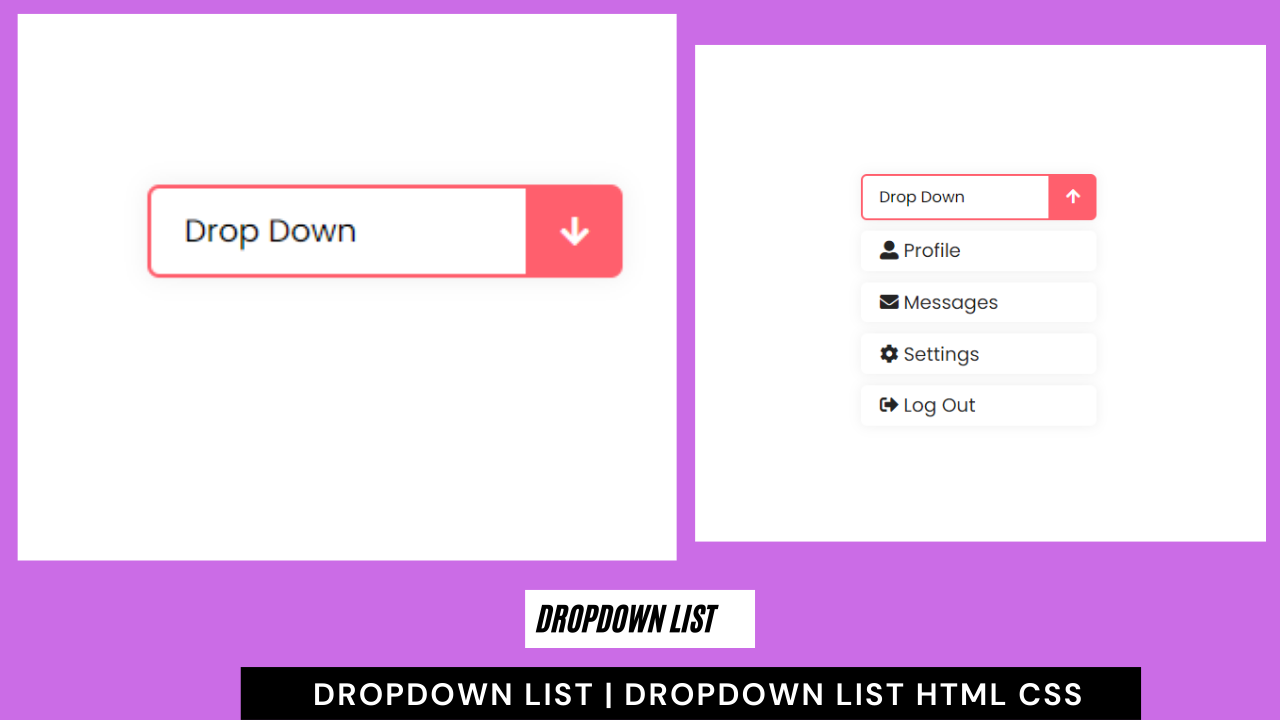
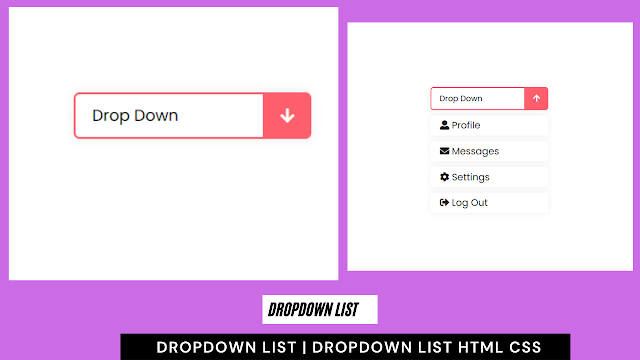
Welcome to the Codewithrandom blog. In this blog, we learn how to create a Dropdown List. We use HTML and CSS Code for this Dropdown List.
I hope you enjoy our blog so let’s start with a basic Html Structure for Dropdown List.
HTML Code For Dropdown List
<!DOCTYPE html> <html lang="en"> <head> <meta charset="UTF-8"> <meta http-equiv="X-UA-Compatible" content="IE=edge"> <meta name="viewport" content="width=device-width, initial-scale=1.0"> <title>DropDown List</title> <link rel="stylesheet" href="style.css"> <link rel="stylesheet" href="https://cdnjs.cloudflare.com/ajax/libs/font-awesome/5.15.4/css/all.min.css" integrity="sha512-1ycn6IcaQQ40/MKBW2W4Rhis/DbILU74C1vSrLJxCq57o941Ym01SwNsOMqvEBFlcgUa6xLiPY/NS5R+E6ztJQ==" crossorigin="anonymous" referrerpolicy="no-referrer" /> </head> <body> <div class="container"> <input type="checkbox" name="" id="" class="btn"> <div class="list"> <a href="#"><i class="fas fa-user-alt"></i> Profile</a> <a href="#"><i class="fas fa-envelope"></i> Messages</a> <a href="#"><i class="fas fa-cog"></i> Settings</a> <a href="#"><i class="fas fa-sign-out-alt"></i> Log Out</a> </div> </div> </body> </html>
There is all the Html Code for the Dropdown List. Now, you can see output without Css, then we write Css for our dropdown list.
50+ HTML, CSS & JavaScript Projects With Source Code
Html Code Output

CSS Code For Dropdown List
@import url('https://fonts.googleapis.com/css2?family=Poppins&display=swap');
*{
margin: 0;
padding: 0;
box-sizing: border-box;
font-family: 'Poppins', sans-serif;
}
body{
display: flex;
justify-content: center;
align-items: center;
height: 100vh;
}
.container{
width: 200px;
position: relative;
}
.btn{
width: 100%;
height: 35px;
cursor: pointer;
position: relative;
display: flex;
}
.btn::before{
content: 'Drop Down';
display: flex;
align-items: center;
width: 100%;
height: 100%;
background: white;
border-radius: 5px;
box-shadow: 0 0 10px rgba(0, 0, 0, 0.062);
border: 2px solid #FF5F6D;
padding-left: 1em;
background: linear-gradient(to right, white 80%, #FF5F6D 20%);
}
.btn::after{
content: '\f062';
position: absolute;
right: 0;
display: flex;
align-items: center;
justify-content: center;
font-family: 'Font Awesome 5 Free';
font-weight: 700;
width: 20%;
height: 110%;
color: white;
transform: rotate(180deg);
transition: all .4s;
}
.btn:checked::after{
transform: rotate(0deg);
}
.list{
position: absolute;
margin-top: 0.5em;
width: 100%;
height: 175px;
clip-path: polygon(0 0, 100% 0, 100% 0, 0 0);
display: flex;
flex-direction: column;
transition: all .4s;
}
input:checked ~ .list{
clip-path: none;
}
.list a{
height: 25%;
display: flex;
align-items: center;
padding: 0.3em 0 0.3em 1em;
text-decoration: none;
margin: 0.3em 0;
background: white;
color: rgb(36, 36, 36);
border-radius: 5px;
box-shadow: 0 0 10px rgba(0, 0, 0, 0.062);
transition: background .4s;
}
.list a:hover{
background: #FF5F6D;
color: white;
}Final Output Of Dropdown List Using HTML and CSS


100+ JavaScript Projects With Source Code ( Beginners to Advanced)
Hope you like the Dropdown List, you can see the output video and project screenshots. See our other blogs and gain knowledge in front-end development.
Thank you!
In this post, we learn how to Create a Dropdown List Using HTML and CSS. If we made a mistake or any confusion, please drop a comment to reply or help you in easy learning.
Written by – Code With Random/Anki