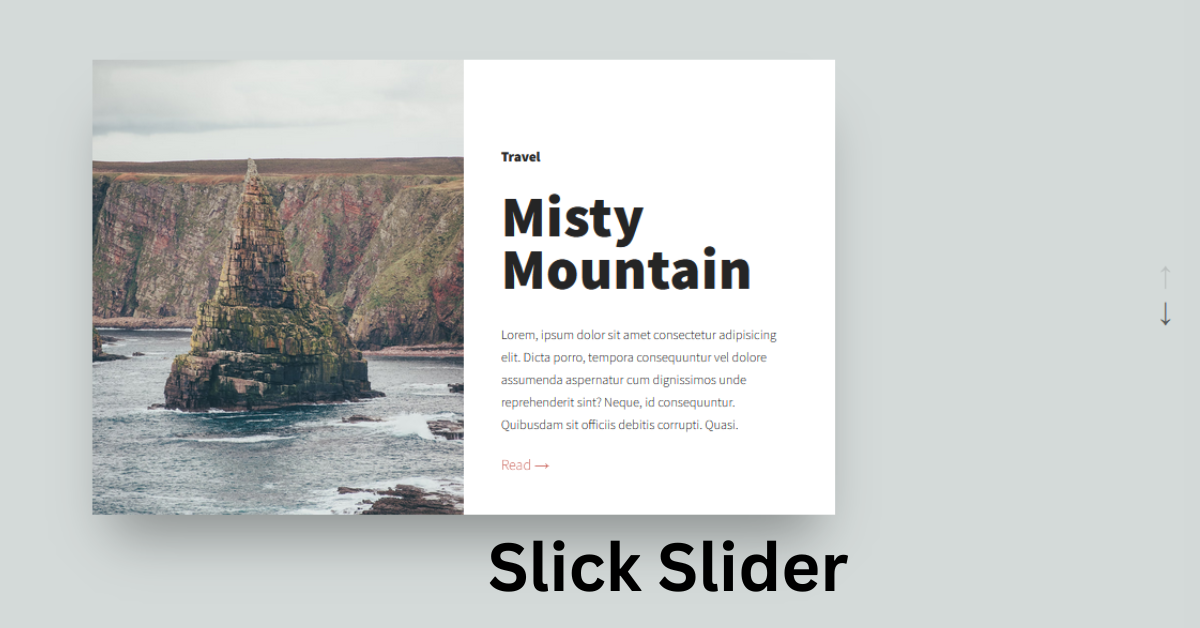
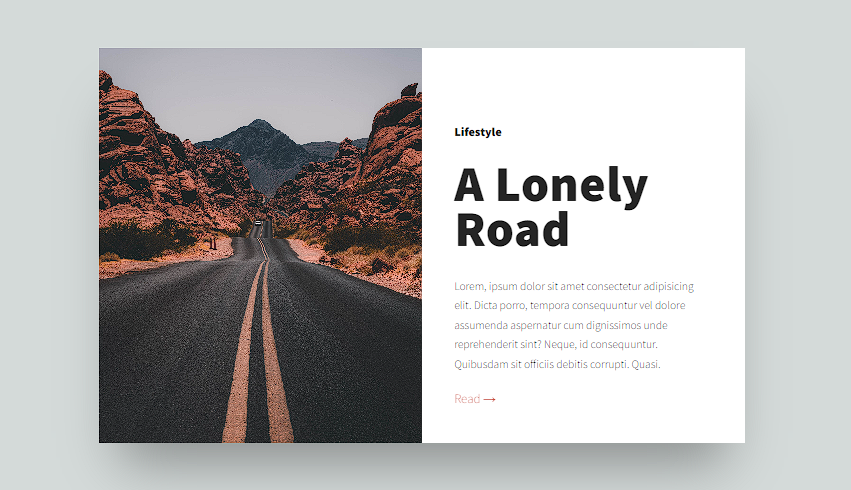
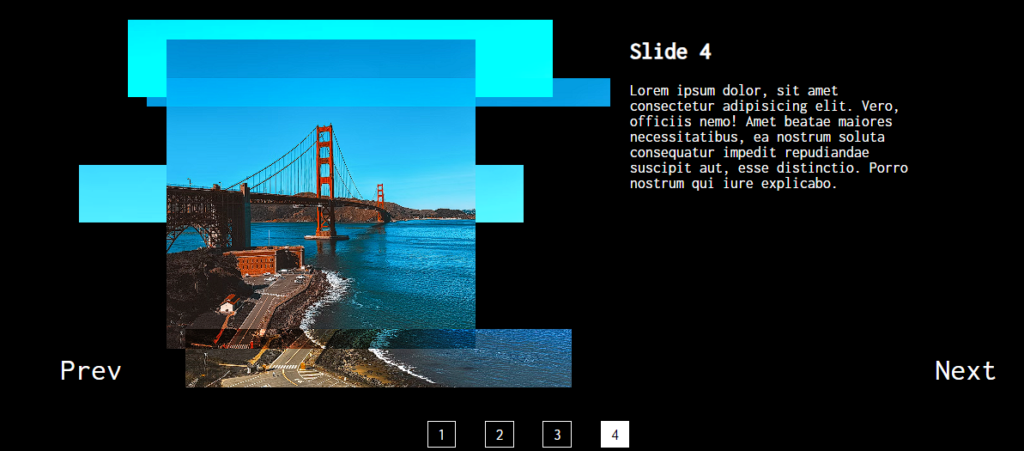
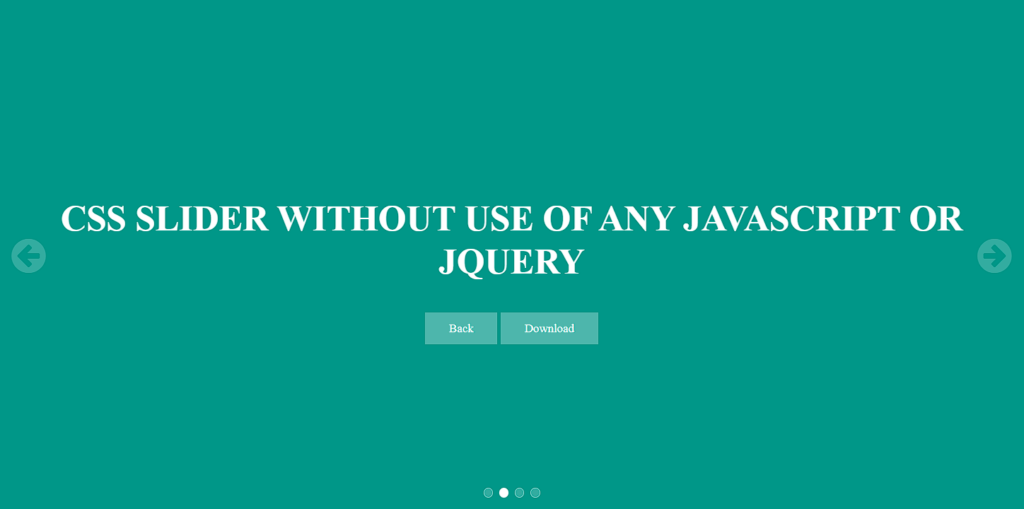
Hey learners! Welcome to another blog of Codewithrandom. Sliders are used to add multiple images as a background inside the website. Slick Slider is a modern web development feature including photos, videos, and text . The seamless navigation, fluid animations, and user-friendly interface that adjusts effortlessly to multiple screen sizes and devices set Slick Slider apart.
Slick Slider has emerged as a versatile and powerful tool for creating dynamic, responsive, and feature-rich sliders on websites.
In this article, we’ll explore 15+ jQuery Slick Slider features that make this library a top choice for web developers looking to enhance user experience.
Slick Slider is the best way to present image and text inside the website which help in providing a good visual experience and also help in attracting traffic on the website. Websites can improve be improved and can be made appealing and create unique user experiences by using Slick Slider.
If you find out this Blog helpful, then make sure to search Codewithrandom on Google for Front End Projects with Source codes and make sure to Follow the Code with Random Instagram page.
To learn more about front-end development, see our other posts on Codewithrandom.
I hope you enjoyed reading this. Tell your other developers about this. You can explore our website for more such animation effects.
Thanks for visiting our website
Stay with us😊🌹 Follow on Instagram For Interesting Coding Post :- codewith_random
To set the font size in CSS program use font size properties. for example :- font-size:17px;
How can you add a background in a CSS program?
To add background in CSS program, you can use the following code as an example:- #img01 { background-image: url("https://images.unsplash.com/photo-1477865634015-0b232c1dd56a?dpr=1&auto=format&fit=crop&w=1500&h=2109&q=80&cs=tinysrgb&crop="); }